A web application firewall is a useful part of website security. It examines incoming web requests and applies rules that can block, allow or monitor them. Software maintenance needs attention alongside that protection. AWS WAF documentation.
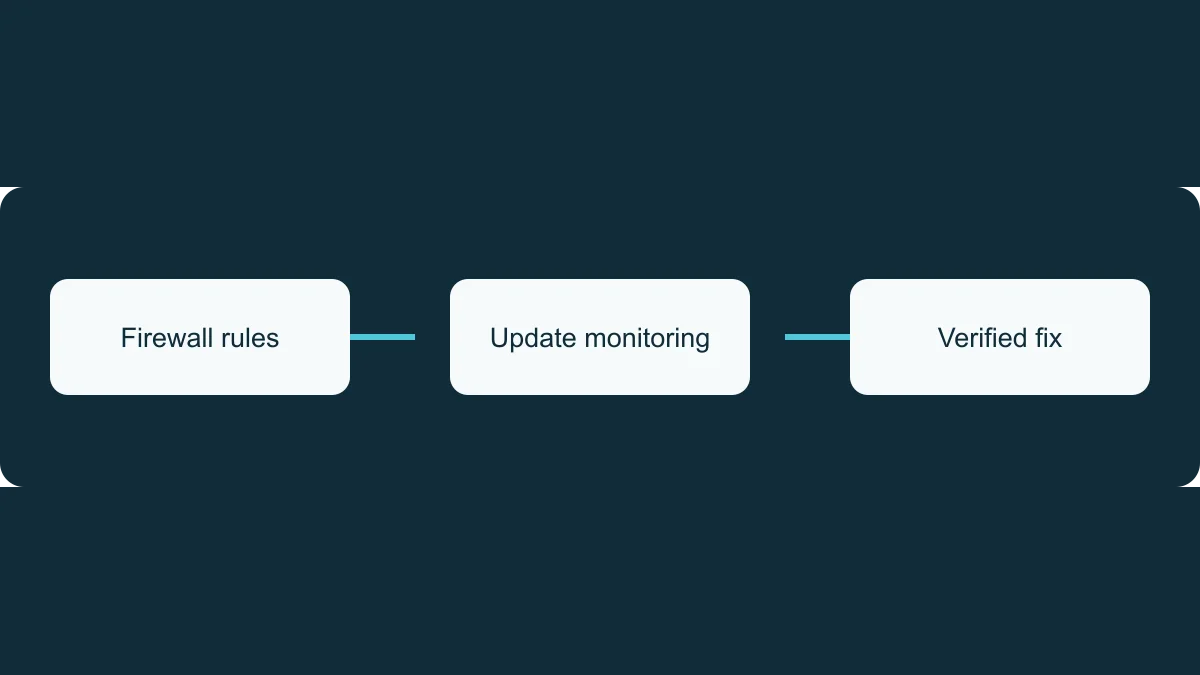
If your provider says your Drupal website is protected by a firewall, ask how they also identify required updates, decide what needs action and confirm that fixes reach the live website.
Ask what is being monitored
Request a clear explanation of the service. Does it check Drupal core and modules? How recently did it receive information from your live website? Who investigates when information becomes stale or stops arriving?
Your provider should distinguish a current assessment showing no applicable updates from a site whose current status is unknown. Ask for missing information to have an owner and a date for investigation.
Ask separately who looks after themes, custom functionality, PHP and other dependencies. Different components may sit with your Drupal support provider, hosting company or another supplier. Write down responsibilities so gaps are visible.
Ask what the firewall does for a specific issue
When a security advisory applies to your site, request an explanation of the affected software and the conditions that make it relevant.
If the provider proposes a firewall rule as a temporary measure, ask which issue it addresses, whether it is active and what limitations remain. A rule may reduce exposure without changing the vulnerable software. See OWASP's virtual patching guidance.
Configuration matters. Cloudflare’s guidance describes requests that bypass or skip protections, as well as malicious requests that rules do not stop. Your provider should assess the actual configuration before relying on a particular mitigation.
Agree who completes the update
The maintenance plan should identify an owner, the proposed work and a completion date appropriate to the assessed risk. Ask what testing is needed, what approval your team must provide, whether additional costs apply and how the provider would recover from a failed deployment.
Where a temporary mitigation is necessary, keep the software update in the plan. Ask when the mitigation will be reviewed and who accepts the remaining risk if work is delayed.
After deployment, request confirmation of the fixed version on the live website and checks on important functions, such as forms, logins and publishing. Ask for outstanding issues and their next actions to be included.
Where Sentinel Connector fits
TrueCMS maintains Sentinel Connector. Its update monitoring covers Drupal core and modules, including disabled modules. It is designed to work behind strict security controls and needs no inbound access for update monitoring.
That information can support your provider’s maintenance decisions. Themes, custom code, PHP and other dependencies require separate checks. Testing and installing updates also need clearly assigned responsibility.
When buying support, ask for these responsibilities to be explicit. You should know what is checked, who acts on the findings and what evidence you receive when work is complete.